Miscellaneous
Preferences
The preferences panel allows to change the main settings saved in the autolab_config.ini and plotter_config.ini files.
It is accessible in the Settings action of the control panel menubar, or in code with autolab.preferences().

Preference panel
Driver installer
The driver installer allows to select individual drivers or all drivers from the main driver github repository.
It is accessible in the Settings action of the control panel menubar, or in code with autolab.driver_installer().

Driver installer
About
The about window display the versions the autolab version in-used as well as the main necessary packages.
It is accessible in the Help action of the control panel menubar, or in code with autolab.about().
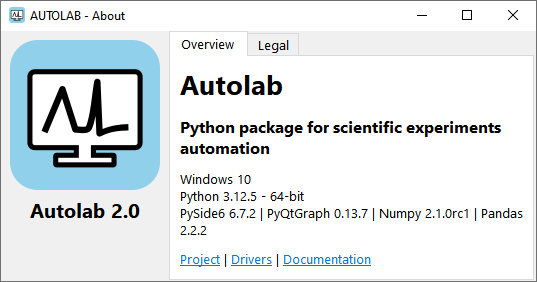
About panel
Add device
The add device window allows to add a device to the device_config.ini file.
It is accessible by right clicking on the empty area of the control panel tree, or in code with autolab.add_device().
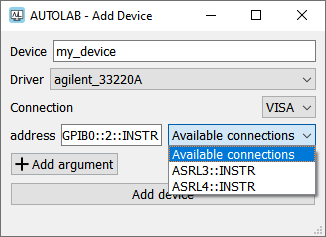
Add device panel
Variables menu
The variables menu allows to add, modify or monitor variables usable in the GUI.
When a scan recipe is executed, each measured step creates a variable usable by the recipe, allowing to set a value based on the previous measured step without interacting with the instrument twice.
It is accessible in the Variables action of both the control panel and scanner menubar, or in code with autolab.variables_menu().
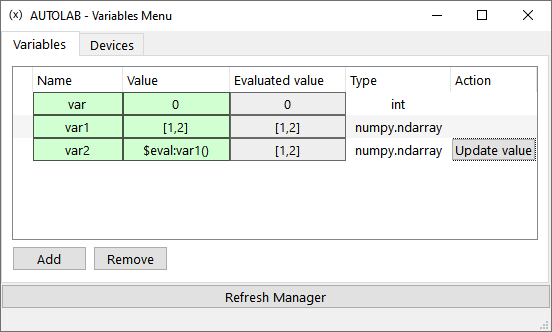
Variables menu